Introduction
Choosing the right Content Management System (CMS) is one of the most important decisions when building a small business website. The right CMS makes it easier to manage content, improve your website’s performance, enhance SEO, and scale as your business grows.
In 2026, there are several excellent CMS platforms available, each designed for different business needs. Some are ideal for beginners who want an easy drag-and-drop experience, while others offer advanced customization and flexibility for growing businesses.
In this guide, we’ll compare the best CMS platforms for small business websites in 2026, highlighting their features, advantages, disadvantages, and the types of businesses they suit best.
What Is a CMS?
A Content Management System (CMS) is software that allows you to create, edit, organize, and manage website content without needing extensive coding knowledge.
With a CMS, you can easily:
- Publish blog posts
- Update service pages
- Add images and videos
- Manage products
- Edit menus
- Improve SEO
- Expand your website as your business grows
A good CMS saves time and makes website management much easier.
What to Look for in a CMS
Before choosing a platform, consider these important factors:
- Ease of use
- SEO capabilities
- Mobile responsiveness
- Security
- Performance
- Scalability
- Plugin or extension support
- Ecommerce features
- Customization options
- Ongoing maintenance costs
Selecting a CMS that matches your business goals will help you avoid expensive migrations later.
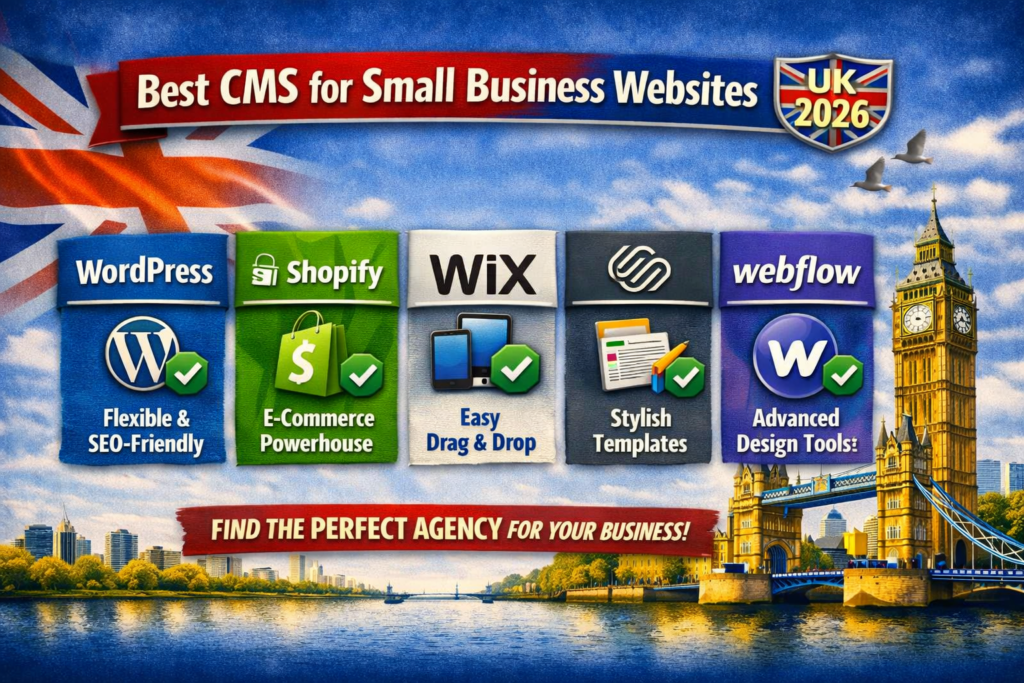
1. WordPress
Best for: Most Small Businesses
WordPress remains the most popular CMS in the world, powering millions of business websites.
Key Features
- Open-source platform
- Thousands of themes
- Large plugin ecosystem
- Excellent SEO capabilities
- WooCommerce support for ecommerce
- Highly customizable
- Large developer community
Pros
- Beginner-friendly
- Flexible and scalable
- Strong SEO support
- Affordable to start
- Huge library of plugins
- Easy content management
Cons
- Requires regular updates
- Security depends on proper maintenance
- Poor-quality plugins can affect performance
Best For
- Local businesses
- Service providers
- Blogs
- Corporate websites
- Ecommerce stores
- Growing businesses
2. Shopify
Best for: Ecommerce Businesses
Shopify is designed specifically for selling products online.
Key Features
- Built-in ecommerce tools
- Secure checkout
- Inventory management
- Payment processing
- App marketplace
- Mobile-friendly themes
Pros
- Easy to launch an online store
- Excellent security
- Reliable hosting included
- Simple product management
- Great customer support
Cons
- Monthly subscription fees
- Limited customization compared to open-source CMS platforms
- Transaction fees may apply depending on payment methods
Best For
- Online retailers
- Product-based businesses
- Dropshipping stores
- Growing ecommerce brands
3. Webflow
Best for: Design-Focused Businesses
Webflow combines visual website design with powerful CMS functionality.
Key Features
- Visual editor
- Responsive design tools
- CMS collections
- Hosting included
- Built-in animations
- SEO settings
Pros
- Modern designs
- Fast performance
- No coding required for many tasks
- Clean code output
Cons
- Steeper learning curve
- Higher pricing for advanced plans
- Limited plugin ecosystem compared to WordPress
Best For
- Creative agencies
- Designers
- Marketing websites
- Portfolios
- Startups
4. Wix
Best for: Beginners
Wix offers an intuitive drag-and-drop website builder with built-in CMS features.
Key Features
- Drag-and-drop editor
- AI website tools
- Templates
- App marketplace
- Hosting included
Pros
- Extremely easy to use
- Quick setup
- Minimal technical knowledge required
- Affordable plans
Cons
- Less flexibility
- Limited scalability for larger businesses
- Design customization has platform limitations
Best For
- Freelancers
- Local businesses
- Consultants
- Small service providers
5. Squarespace
Best for: Professional Business Websites
Squarespace is known for its elegant templates and easy content management.
Key Features
- Beautiful templates
- Blogging tools
- Ecommerce support
- Built-in analytics
- Mobile optimization
Pros
- Excellent design quality
- Easy editing
- Hosting included
- Reliable performance
Cons
- Fewer third-party integrations
- Less flexibility than WordPress
- Limited advanced customization
Best For
- Restaurants
- Photographers
- Artists
- Consultants
- Personal brands
6. Joomla
Best for: Intermediate Users
Joomla offers greater flexibility than beginner platforms while remaining open source.
Pros
- Powerful user management
- Flexible content organization
- Strong extension library
- Multilingual support
Cons
- More complex interface
- Smaller community than WordPress
- Steeper learning curve
Best For
- Membership websites
- Community portals
- Medium-sized businesses
7. Drupal
Best for: Large and Complex Websites
Drupal is known for its enterprise-level flexibility and security.
Pros
- Highly secure
- Extremely scalable
- Advanced customization
- Strong content management
Cons
- Requires technical expertise
- Longer development time
- Higher development costs
Best For
- Government organizations
- Universities
- Large businesses
- Enterprise websites
CMS Comparison Table
| CMS | Ease of Use | SEO | Flexibility | Ecommerce | Best For |
|---|---|---|---|---|---|
| WordPress | ★★★★★ | ★★★★★ | ★★★★★ | Excellent | Most small businesses |
| Shopify | ★★★★★ | ★★★★☆ | ★★★☆☆ | Excellent | Online stores |
| Webflow | ★★★★☆ | ★★★★★ | ★★★★☆ | Good | Designers & agencies |
| Wix | ★★★★★ | ★★★★☆ | ★★★☆☆ | Good | Beginners |
| Squarespace | ★★★★☆ | ★★★★☆ | ★★★☆☆ | Good | Creative businesses |
| Joomla | ★★★☆☆ | ★★★★☆ | ★★★★☆ | Good | Membership sites |
| Drupal | ★★☆☆☆ | ★★★★★ | ★★★★★ | Good | Enterprise websites |
Which CMS Is Best for SEO?
If SEO is a top priority, these platforms stand out:
- WordPress
- Webflow
- Drupal
- Shopify
- Squarespace
WordPress remains the preferred choice for many businesses due to its flexibility, clean site architecture, and extensive SEO plugin ecosystem.
Which CMS Is Best for Small Businesses?
The best choice depends on your goals:
Choose WordPress if:
- You want maximum flexibility.
- You plan to grow your business.
- You need strong SEO capabilities.
- You want full control over your website.
Choose Shopify if:
- Your primary focus is ecommerce.
- You want an all-in-one online store solution.
- You prefer managed hosting and security.
Choose Wix or Squarespace if:
- You need a simple business website.
- You have limited technical knowledge.
- You want to launch quickly.
Choose Webflow if:
- Design quality is your top priority.
- You want advanced visual customization.
- You need a modern marketing website.
Final Thoughts
The best CMS for your small business website in 2026 depends on your budget, technical skills, and long-term goals.
If you’re looking for the best all-around solution, WordPress remains the top choice thanks to its flexibility, scalability, SEO capabilities, and extensive ecosystem.
For ecommerce businesses, Shopify offers one of the easiest ways to launch and manage an online store. Meanwhile, Webflow, Wix, and Squarespace provide excellent options for businesses that prioritize ease of use and attractive design.
Take the time to evaluate your business requirements before making a decision. Choosing the right CMS today will make it easier to grow your online presence tomorrow.
Frequently Asked Questions (FAQs)
What is the best CMS for small businesses in 2026?
For most small businesses, WordPress remains one of the best choices because it offers flexibility, strong SEO capabilities, scalability, and a large ecosystem of themes and plugins.
Which CMS is easiest for beginners?
Wix and Squarespace are among the easiest CMS platforms for beginners due to their drag-and-drop editors and managed hosting.
Which CMS is best for ecommerce?
Shopify is one of the best options for ecommerce businesses, offering built-in tools for inventory management, secure payments, and online selling.
Is WordPress still relevant in 2026?
Yes. WordPress continues to be a popular CMS thanks to its flexibility, customization options, large community, and ability to support websites of all sizes.
Can I switch to another CMS later?
Yes, but migrating to a different CMS can require planning to preserve content, functionality, and SEO. Choosing the right CMS from the start can help avoid unnecessary migration costs.