A professional business website is more than just an online presence—it’s a powerful tool for attracting customers, building trust, and generating leads. Whether you’re launching a new website or improving an existing one, having the right pages is essential for providing visitors with the information they need and encouraging them to take action.
In this guide, we’ll explore the essential pages every business website should have and why each one matters.
1. Home Page
Your homepage is often the first page visitors see, so it should make a strong first impression.
A great homepage should include:
- A clear headline explaining what your business does
- A brief introduction to your products or services
- High-quality images or videos
- Customer testimonials
- A clear call-to-action (CTA)
- Links to important pages
Keep the design clean, easy to navigate, and optimized for both desktop and mobile users.
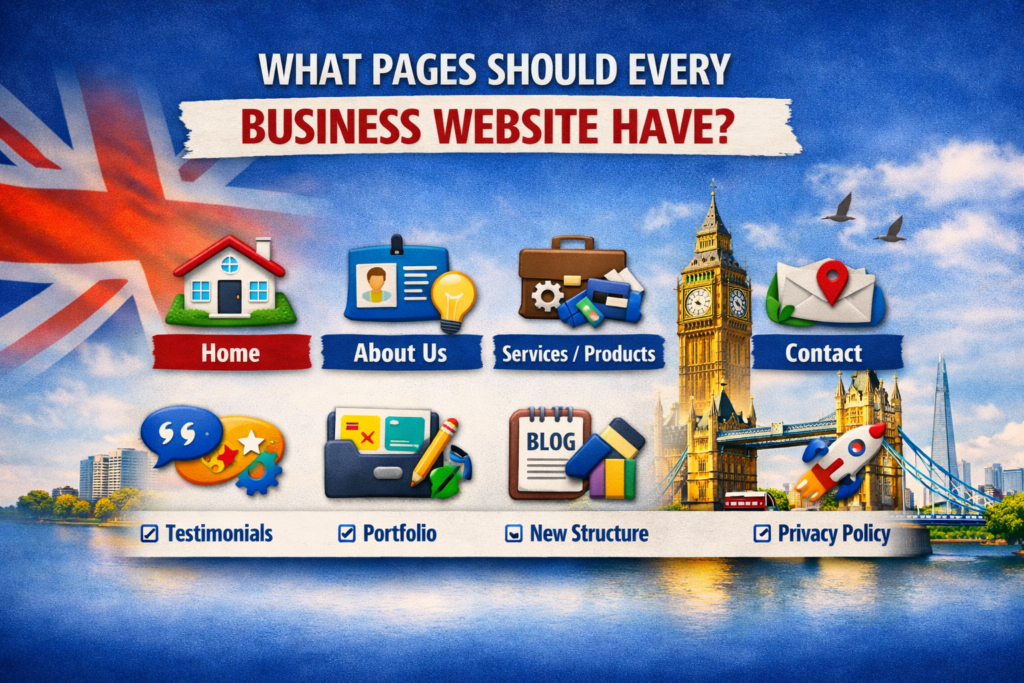
2. About Us Page
The About Us page helps visitors learn more about your business and builds trust.
Include information such as:
- Your company story
- Mission and values
- Team members
- Experience and expertise
- Awards or certifications
- Why customers should choose you
A personal and authentic story can help create a stronger connection with potential customers.
3. Services or Products Page
Clearly explain what your business offers.
Each service or product should include:
- Detailed description
- Key features
- Benefits
- Pricing (if appropriate)
- Frequently asked questions
- Call-to-action buttons
If you offer multiple services, consider creating a separate page for each one to improve SEO.
4. Contact Page
Every business website needs an easy way for customers to get in touch.
Include:
- Contact form
- Phone number
- Email address
- Business address
- Interactive map (if applicable)
- Business hours
- Social media links
Make it as simple as possible for visitors to contact you.
5. Blog
A blog is one of the best ways to improve search engine rankings and attract organic traffic.
Publishing helpful articles allows you to:
- Answer customer questions
- Share industry insights
- Demonstrate expertise
- Target more keywords
- Increase website traffic
- Build customer trust
Consistently publishing quality content can significantly improve your SEO over time.
6. Testimonials or Reviews Page
Positive customer feedback helps build credibility.
Include:
- Written testimonials
- Star ratings
- Case studies
- Client success stories
- Before-and-after results (where relevant)
Real customer experiences help convince potential clients to choose your business.
7. Frequently Asked Questions (FAQ)
An FAQ page answers common questions before customers need to ask.
Typical questions include:
- Pricing
- Delivery times
- Payment methods
- Returns or refunds
- Booking process
- Support availability
An FAQ page improves user experience while reducing customer support requests.
8. Privacy Policy
A Privacy Policy explains how your business collects, stores, and protects user data.
It should cover:
- Personal information collected
- Cookie usage
- Data security
- Third-party services
- User rights
- Contact information
A Privacy Policy is essential for legal compliance and building customer trust.
9. Terms and Conditions
Terms and Conditions outline the rules for using your website and services.
They typically include:
- User responsibilities
- Payment terms
- Intellectual property rights
- Liability limitations
- Cancellation policies
- Governing law
While not required for every website, they are highly recommended for businesses that sell products or services online.
10. Portfolio or Case Studies
If your business provides services, showcasing previous work can increase credibility.
Include:
- Project descriptions
- Client goals
- Solutions provided
- Results achieved
- Images or screenshots
- Customer feedback
Case studies demonstrate your expertise and help potential clients understand what you can deliver.
11. Pricing Page (Optional)
If your pricing is straightforward, displaying it publicly can help qualify leads and save time.
A pricing page should include:
- Available plans
- Features included
- Optional add-ons
- Frequently asked pricing questions
- Contact option for custom quotes
Transparent pricing helps build trust with potential customers.
12. Careers Page (If Hiring)
Businesses that regularly recruit employees should have a dedicated careers page.
Include:
- Current job openings
- Company culture
- Employee benefits
- Application process
- Contact details
This page helps attract qualified candidates and supports business growth.
Bonus Pages That Can Add Value
Depending on your industry, you may also benefit from:
- Resources
- Knowledge Base
- Downloadable Guides
- Events
- Press or Media
- Partnerships
- Newsletter Signup
- Customer Support Center
These pages can improve user engagement and establish your business as an authority in your field.
Tips for Creating Effective Business Website Pages
To get the best results, make sure every page:
- Has a clear purpose
- Includes relevant keywords
- Loads quickly
- Is mobile-friendly
- Uses simple navigation
- Contains strong calls to action
- Is optimized for search engines
- Provides valuable and accurate information
A well-organized website helps visitors find what they need and encourages them to take the next step.
Conclusion
Every successful business website should include a strong homepage, an informative About Us page, detailed service or product pages, a contact page, and a regularly updated blog. Supporting pages such as testimonials, FAQs, privacy policies, and case studies further enhance trust, improve user experience, and support your SEO strategy.
By including these essential pages, you’ll create a professional website that not only looks great but also helps attract visitors, generate leads, and grow your business.
Frequently Asked Questions (FAQs)
What is the most important page on a business website?
The homepage is usually the most important page because it creates the first impression and guides visitors to the information they need.
Does every business website need a blog?
While not mandatory, a blog is highly recommended because it improves SEO, increases organic traffic, and demonstrates your expertise.
Is a Privacy Policy required?
In many regions, including the UK and EU, a Privacy Policy is required if your website collects personal data, such as through contact forms or analytics tools.
How many pages should a small business website have?
Most small business websites perform well with 5–10 essential pages, depending on the services or products offered.
Should each service have its own page?
Yes. Creating a dedicated page for each service improves SEO, provides more detailed information, and increases the chances of ranking for relevant search terms.